Sign Up
Sign up directly
Create an account on Tridge directly:
1. Enter your work email address and password. Then, insert your first name, last name, and country of residence.
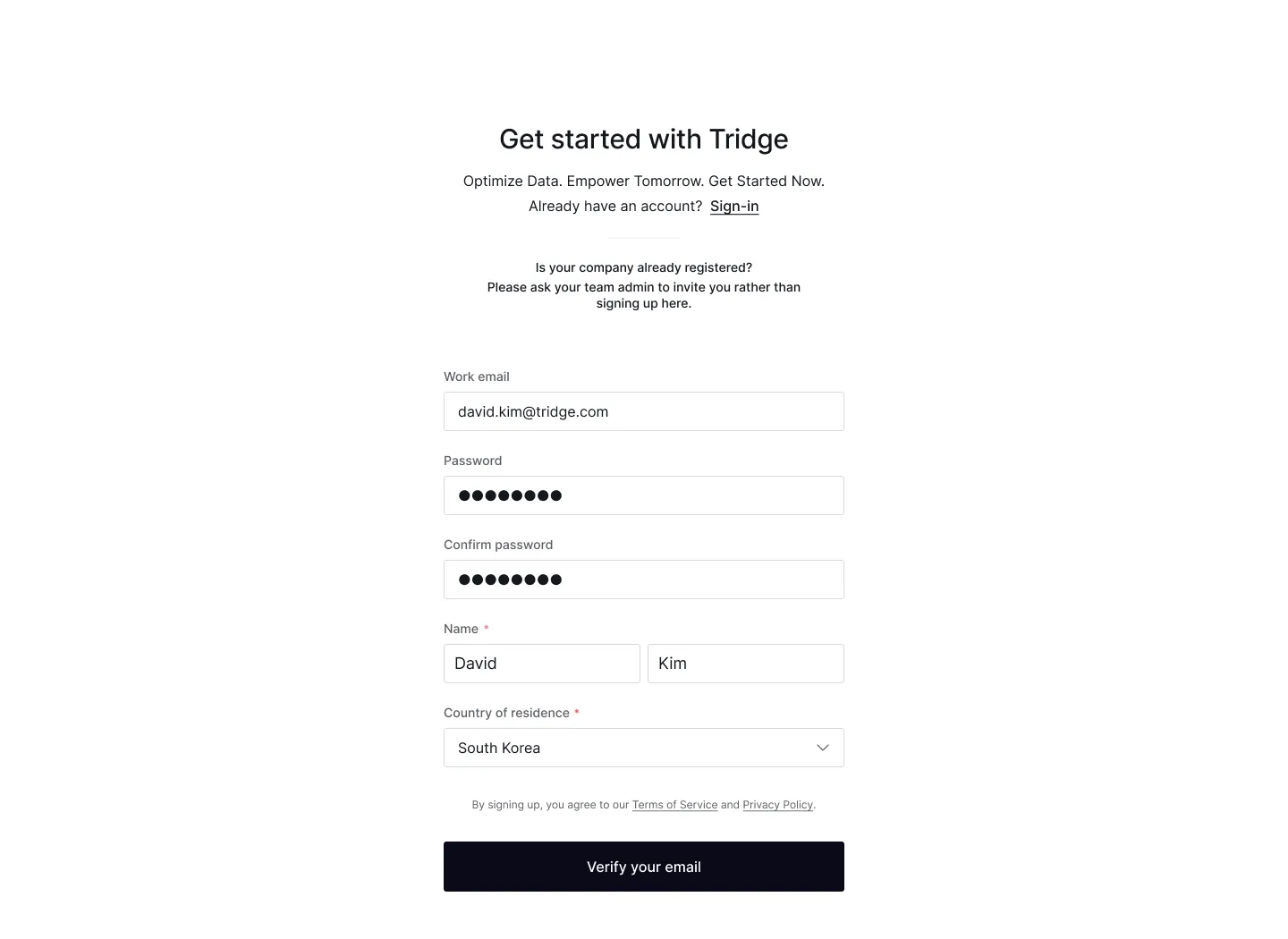
2. Find the verification email in your inbox and click ‘Verify’ to complete your email verification.
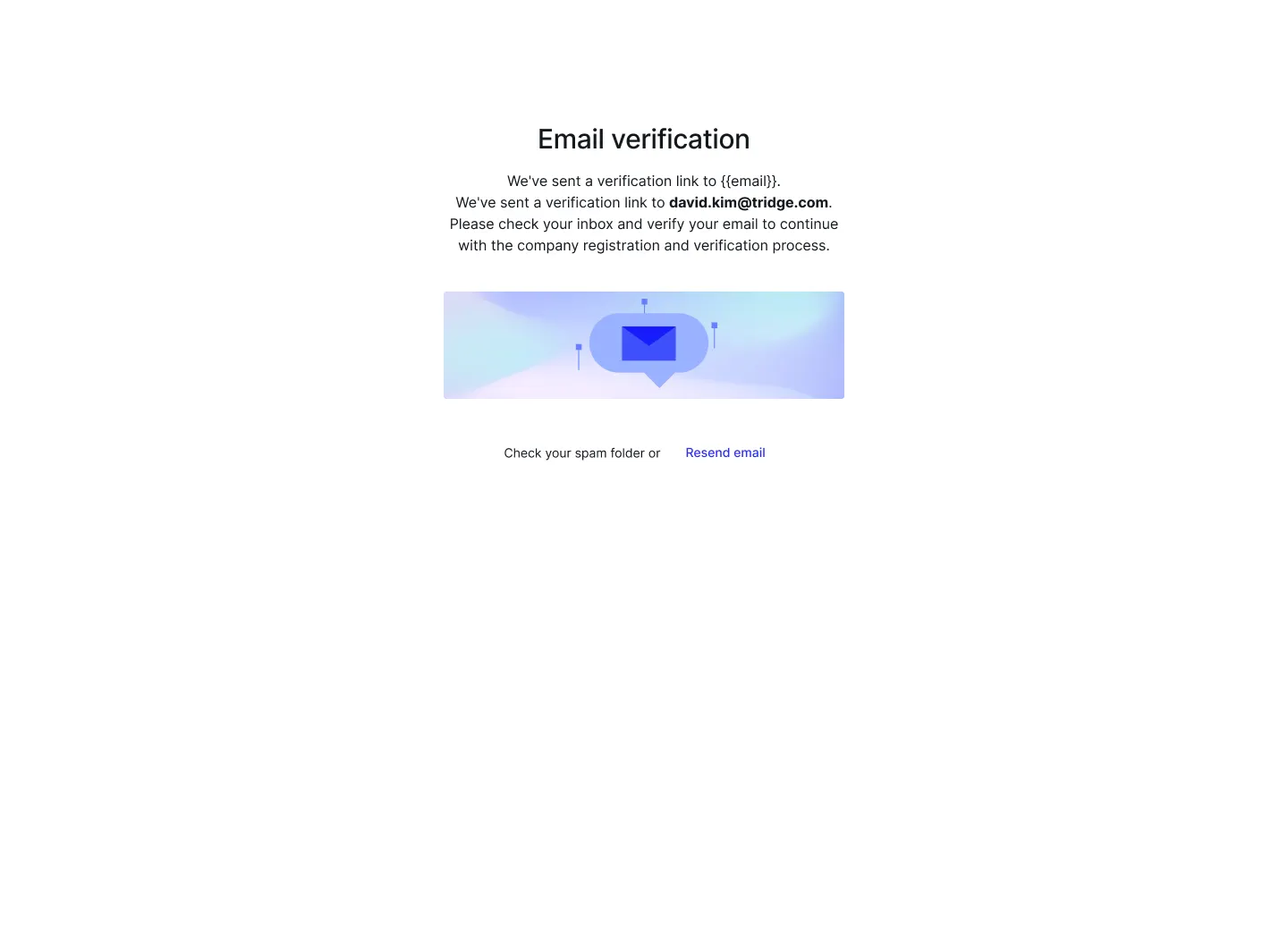
3. Enter your company name, country, and website, and upload a business document (an English business registration certificate is recommended) to begin the company verification process.
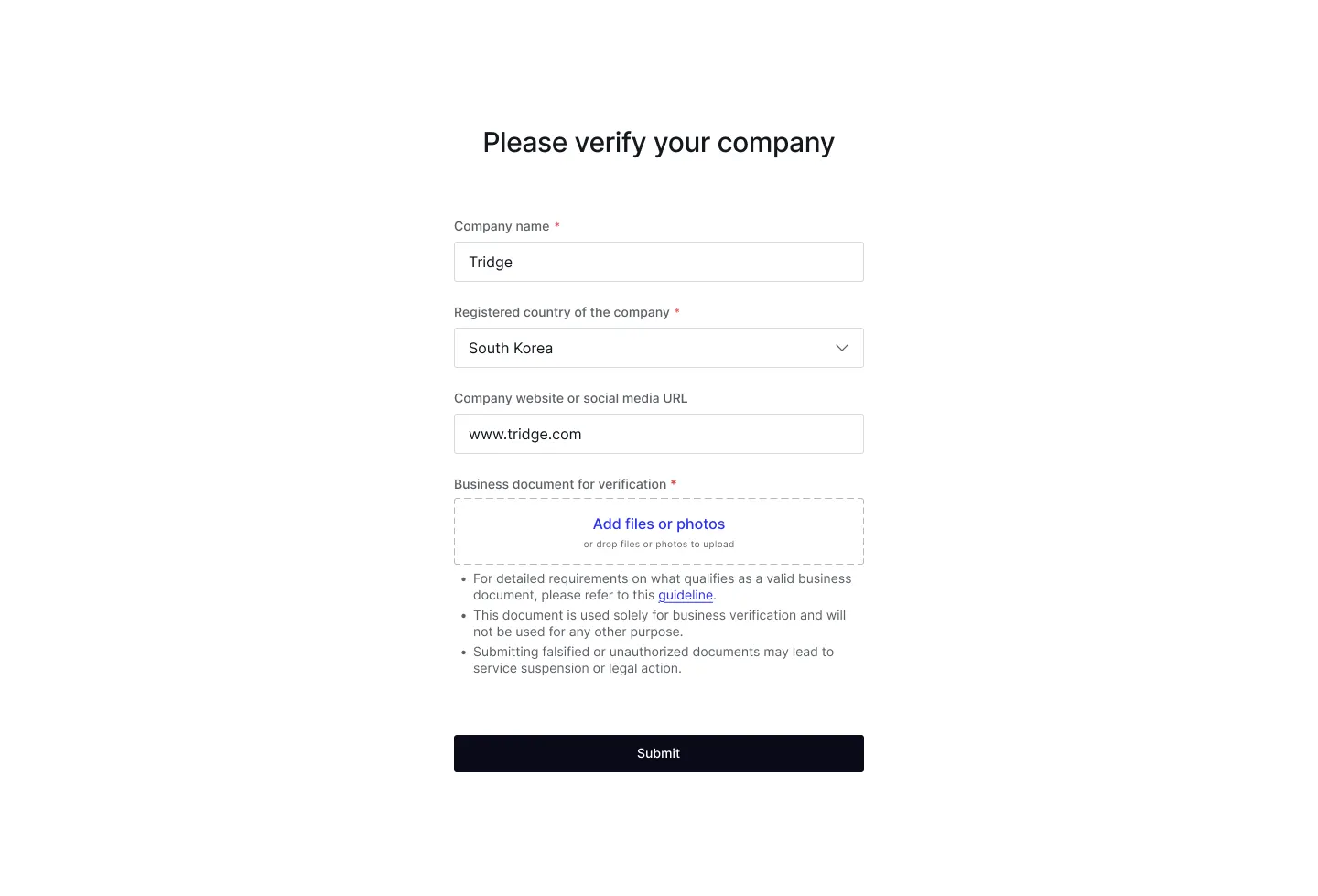
4. Please wait a few minutes for the verification to complete. If your company can’t be verified, check that the information on your business document matches the details you provided and try again. If verification still fails despite everything being correct, request manual verification.
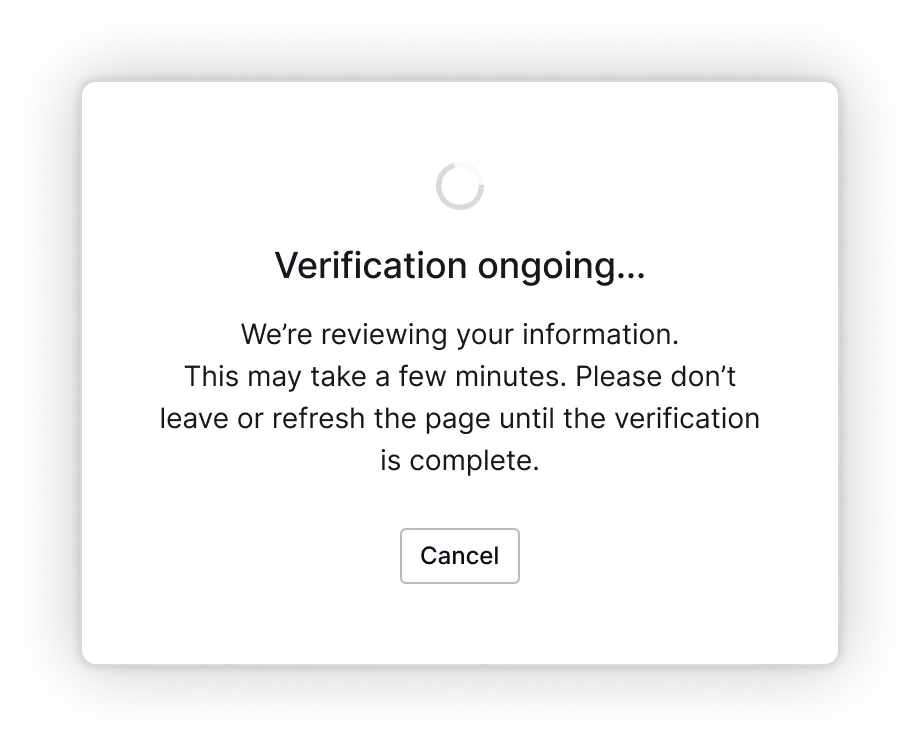
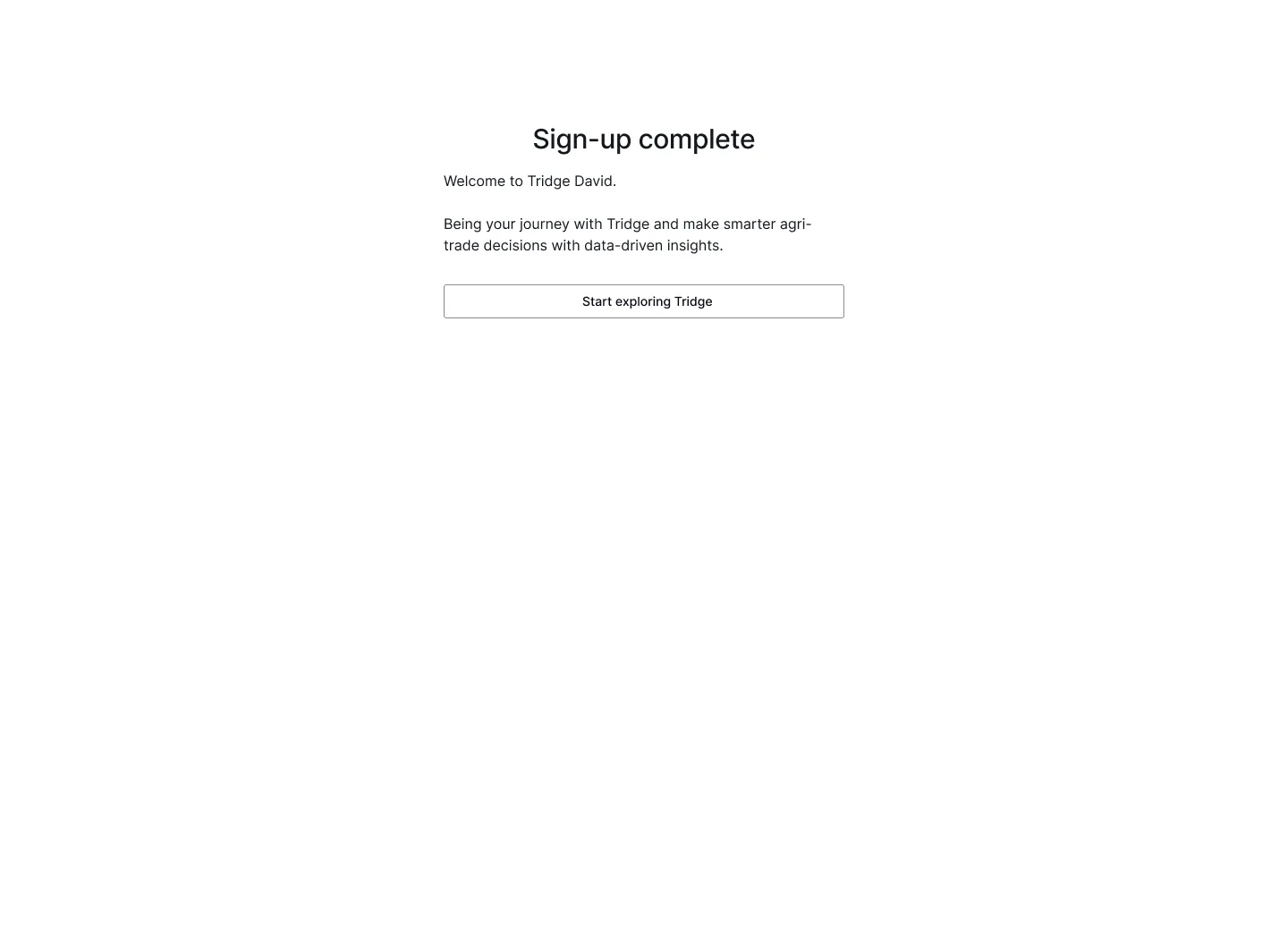
5. Once your company is verified, your sign-up is complete. You can now sign in using the email and password you provided.
Note: If your company is already using Tridge, please sign up through an invitation from your company’s Tridge account administrator.
Sign up with an invitation mail
Create an account on Tridge via an invitation mail from your colleague:
- Find the invitation email in your inbox and click ‘Accept invitation’.
- Enter your password, first name, last name, and country of residence.
- Submit the information to complete your sign-up.
Note: You’ll receive an invitation email if a team member has invited you. To learn more about inviting members, click here.