Manage my Quotes
Manage my Quotes
You can directly submit quotes to buyers and manage your quotes to get connection with buyers.
Submit quotes to buyers' RFQs
You can submit your quotes to RFQs of buyers on the platform. To get more information, click here.
Manage quotes
You can review your submitted quotes in Company Workspace - Quotes.
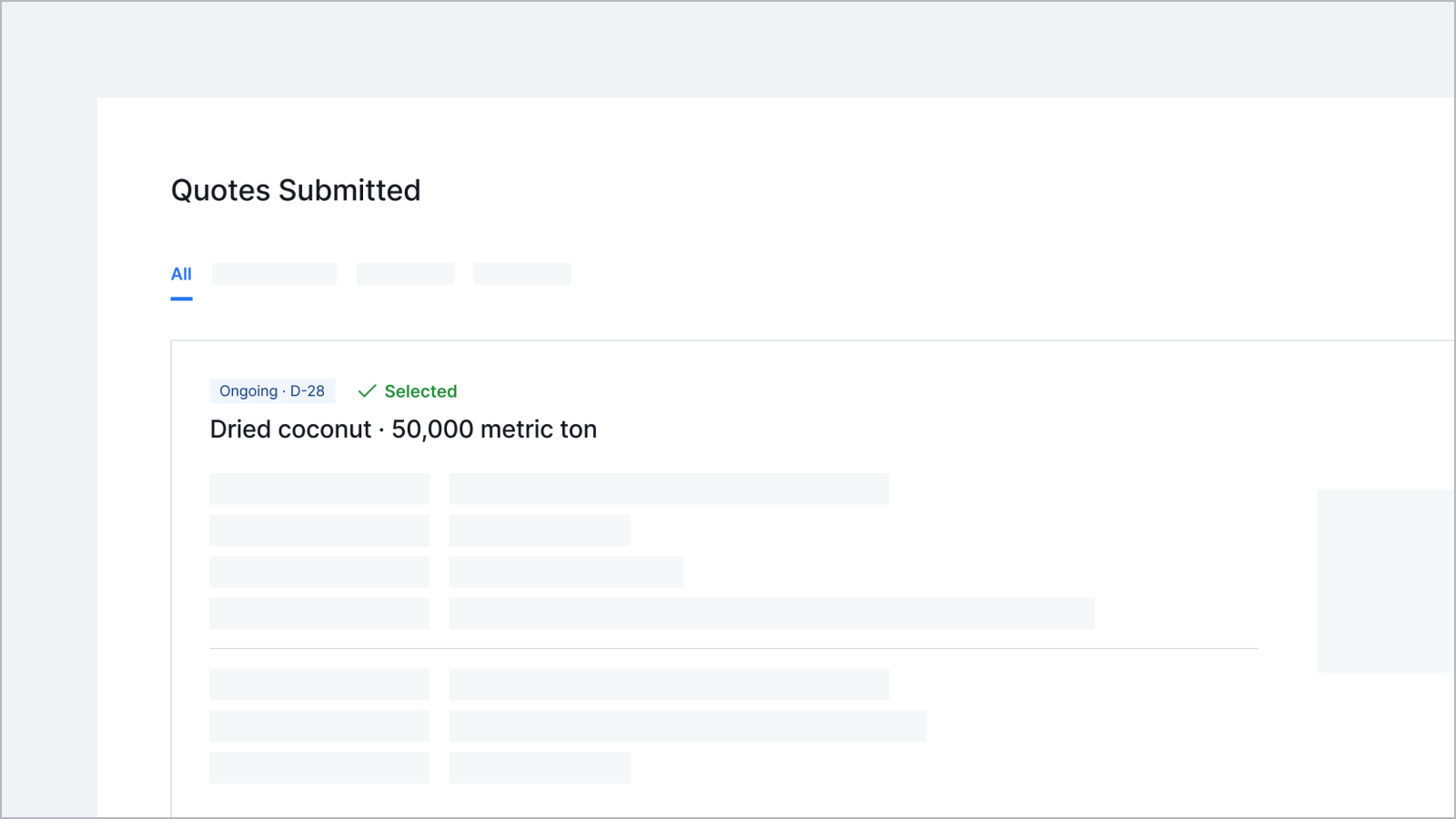
Once your quote is selected by a buyer, you will receive an email with their contact information (phone number and email address included). These details will also be available on the quote detail page.
If your quote is not selected, you will still receive the buyer's email address via a notification email once the RFQ expires. This allows you to contact the buyer to submit an updated quote.
'쿠키 허용'을 클릭하면 통계 및 개인 선호도 산출을 위한 쿠키 제공에 동의하게 됩니다.
개인정보 보호정책에서 쿠키에 대한 자세한 내용을 확인할 수 있습니다.
'쿠키 허용'을 클릭하면 통계 및 개인 선호도 산출을 위한 쿠키 제공에 동의하게 됩니다.
개인정보 보호정책에서 쿠키에 대한 자세한 내용을 확인할 수 있습니다.